Preview
How Nur will look on the stores
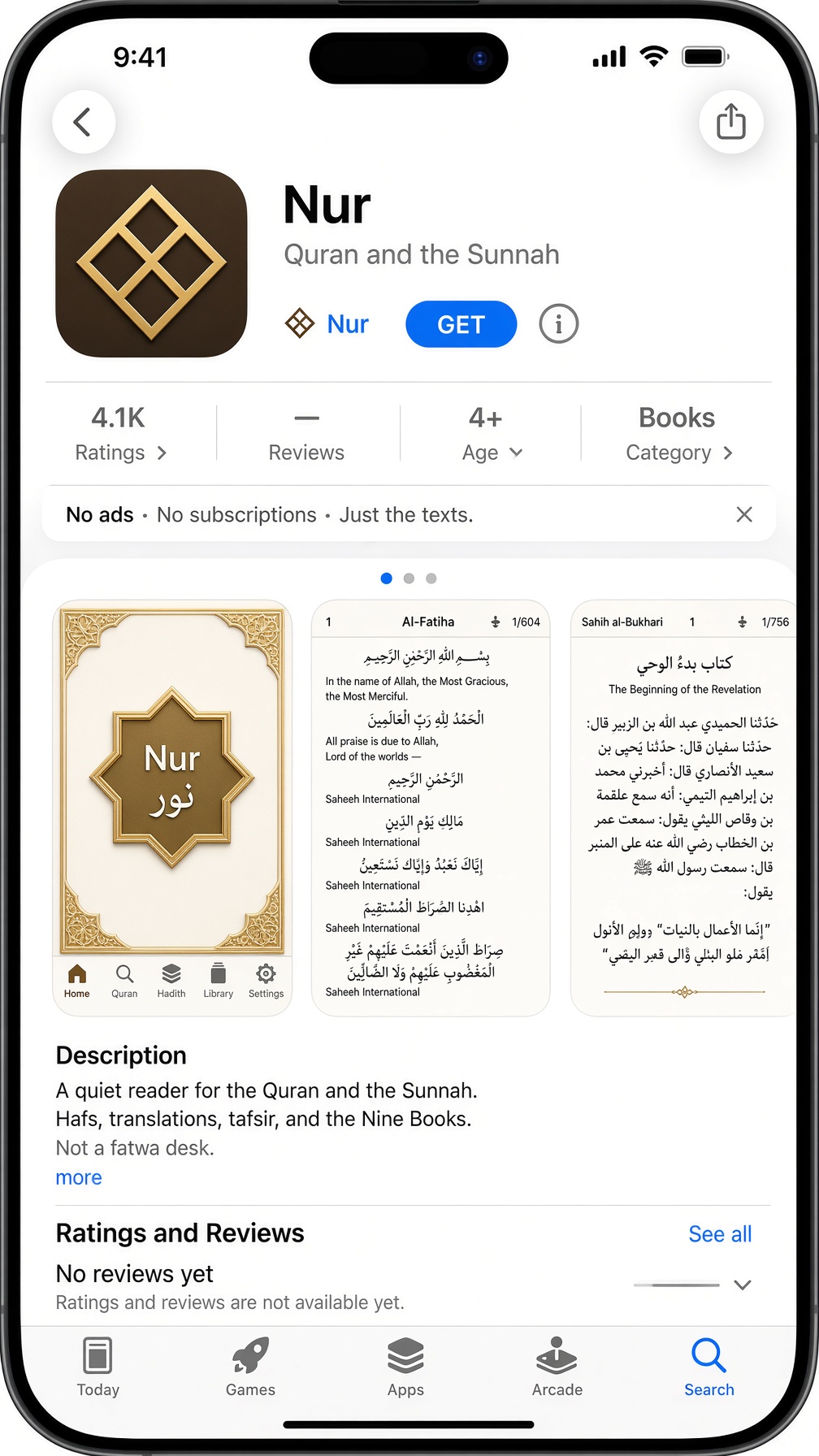
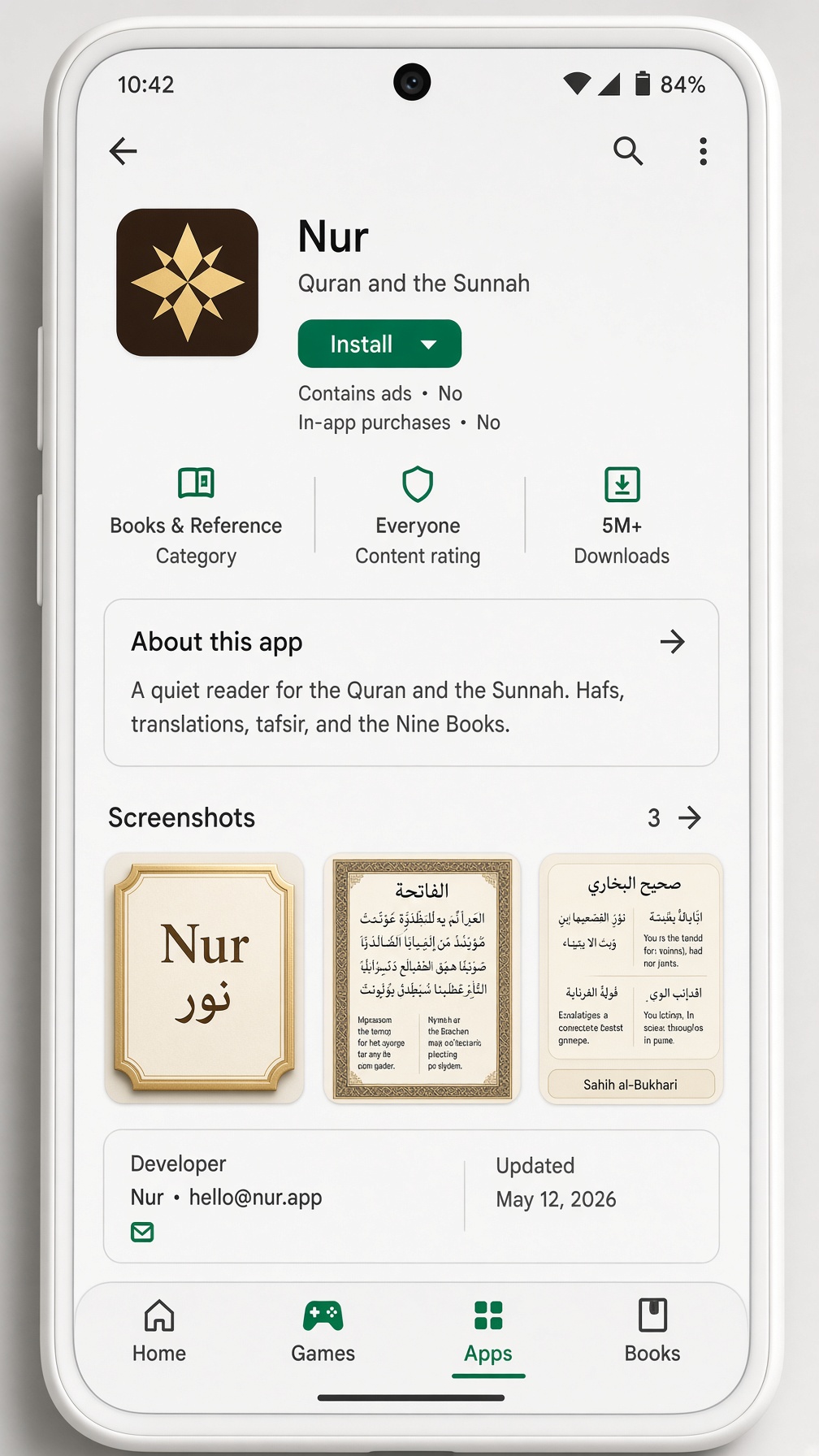
Nur is not on the App Store or Google Play yet. These pages are the listing we will file: the gold star, the name Nur, and three screens. Stars and review counts on the pictures are not real — a new listing starts empty.
Apple App Store
Google Play
What the listing will say
- Name
- Nur
- Subtitle
- Quran and the Sunnah
- Icon
- Gold eight-pointed star on dark
- Price
- Free. No ads. No purchases.
- Apple
- Books · 4+
- Books and Reference · Everyone
A quiet reader for the Quran and the Sunnah. Hafs, translations, tafsir, and the Nine Books. Not a fatwa desk.
Open the real pages those screenshots stand for
Get the app
Scan to open Nur on your phone
iOS notes
- Open Nur in Safari — not inside X, Instagram, or Gmail.
- Tap the Share button (square with an arrow up).
- Scroll the sheet and tap Add to Home Screen.
- Name it Nur. The eight-point star sits with your apps and opens full-screen.
- iPad: same steps in Safari. Split View and Stage Manager keep Nur in its own pane.
- Chrome or Firefox on iPhone still use Safari’s engine — add from Safari so the icon is clean.
- Nur is not on the App Store yet. If a banner says “Cannot add”, update iOS and try Safari again.
Testers can still open Nur today with the tester link. Add to Home Screen uses the same icon until the stores list us.